Seeds vs Robots 2
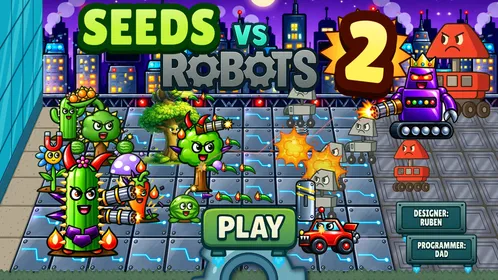
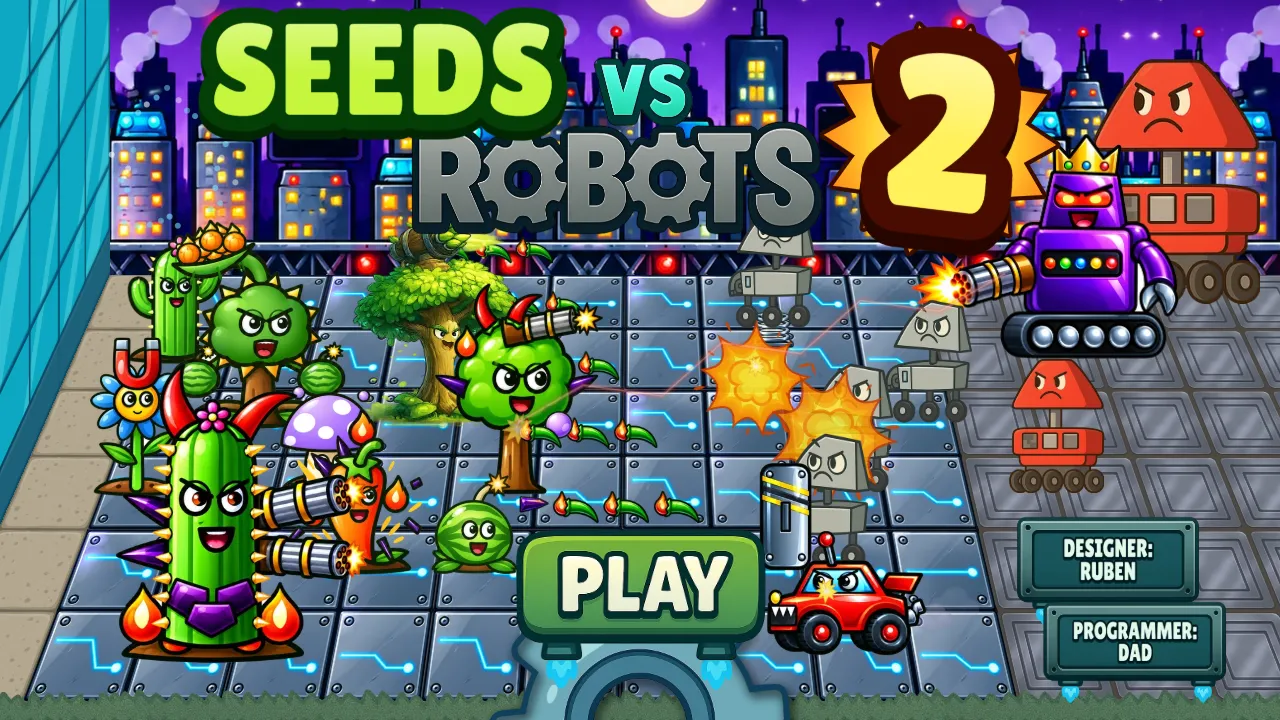
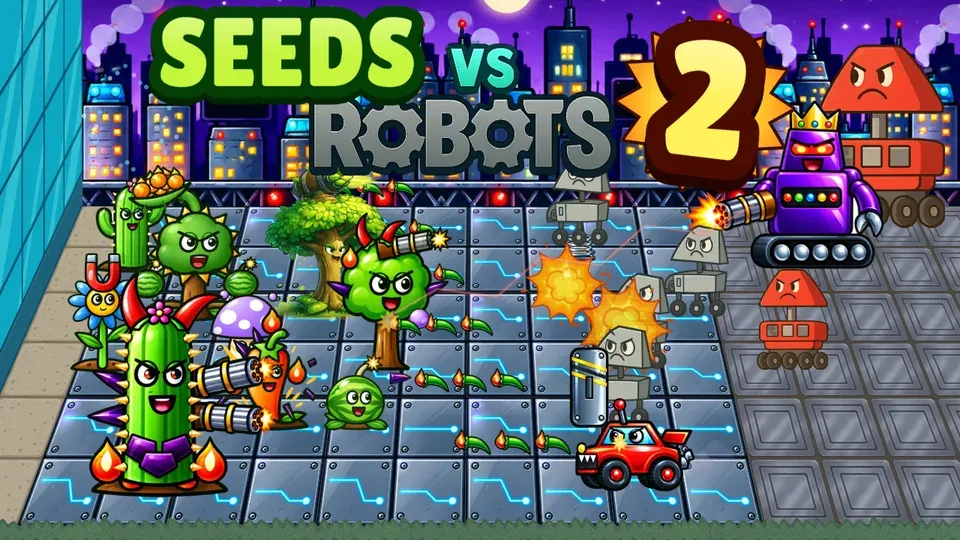
The robots are back, stronger than ever! Fuse your plants into crazy new ones and save the city.
About the game
The second part of Seeds vs Robots, designed by Ruben.
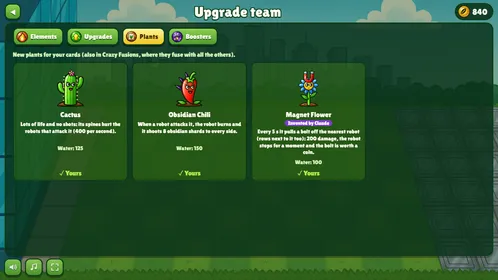
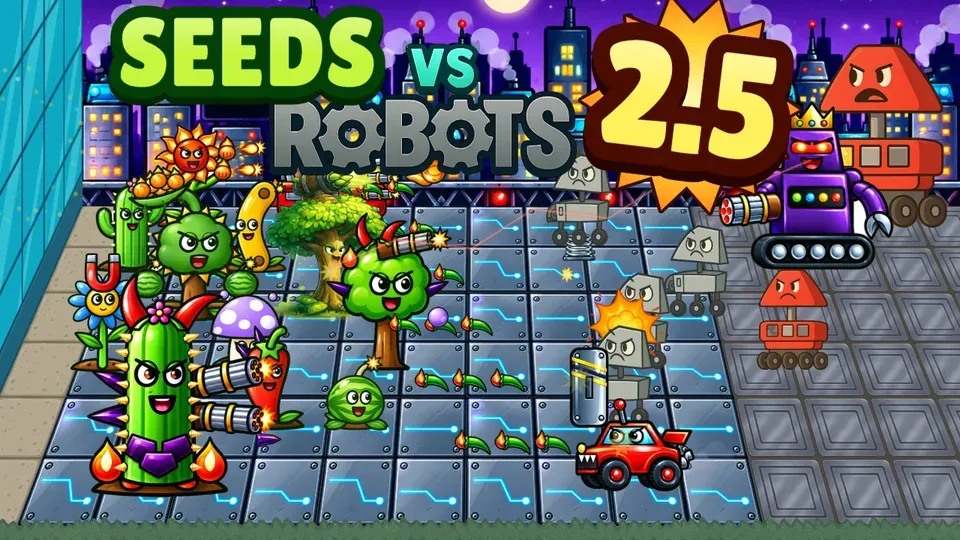
New plants: the Brussels Mop catapult, the Exploding Melon, the Infesting Mushroom, the Cactus, the Obsidian Chili and the Magnet Flower.
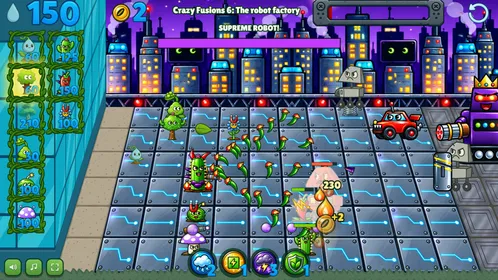
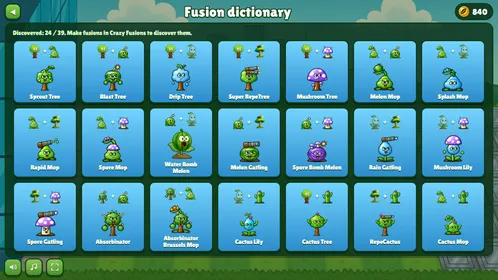
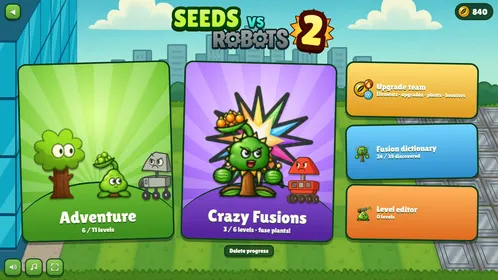
In Crazy Fusions any two plants fuse into a new one: 39 fusions, like the Absorbinator or the super powerful Cactus Ferminator.
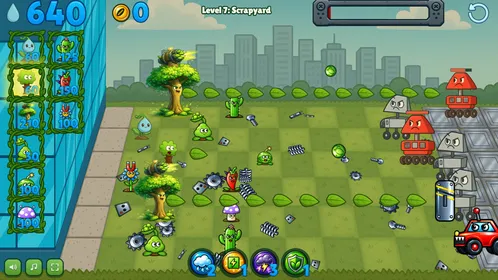
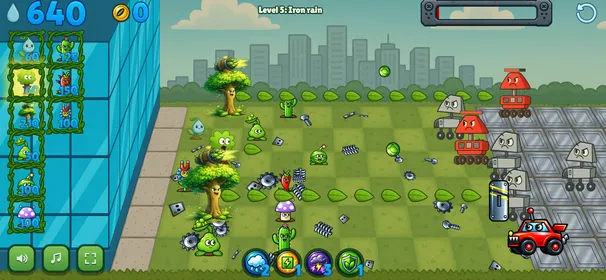
The robots are stronger: shields, springs, the Terrenator car, giants that launch little robots and throw lightning, and the Supreme Robot.
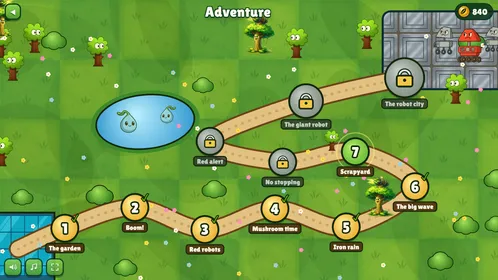
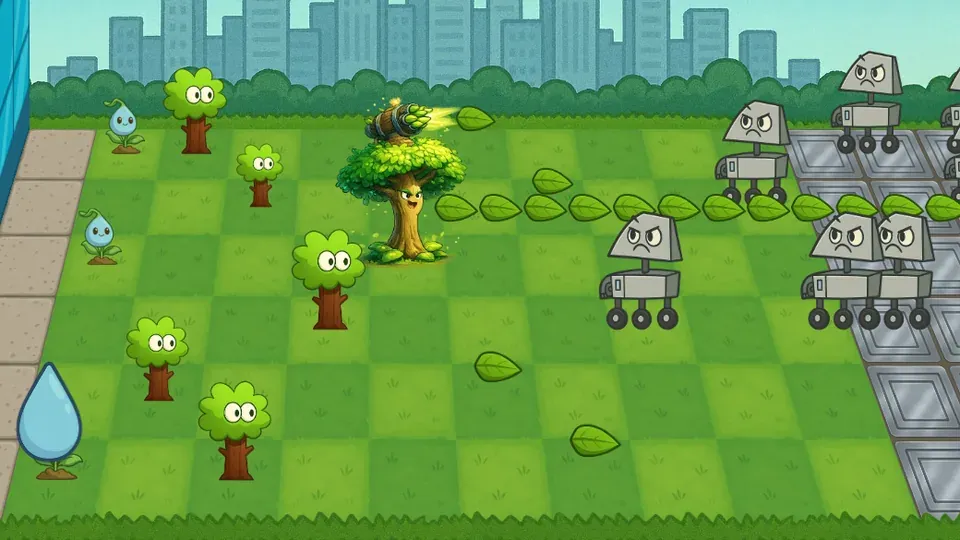
Fight in gardens on fire, in the robot scrapyard and in the robot city.
Win coins to upgrade your plants and buy boosters, and make your own levels in the editor.
For parents: The shop only uses coins won in the game. No real money, ever.
Keyboard
- 123Choose a plant card (up to 9)
- QWERUse a booster (rain, turbo, storm, leaf shield)
- EnterStart / continue
- EscLeave the level
Mouse
- Click a plant card, then click the garden to plant it
- In Crazy Fusions, click a planted plant with a card to fuse them
- Click the water drops to collect them
Touch screen
- Tap a plant card, then tap the garden
- In Crazy Fusions, tap a planted plant with a card to fuse them
- Tap the water drops to collect them
Game facts
- Started on24 October 2026
- Made withClaude Code and ChatGPT (for the images)
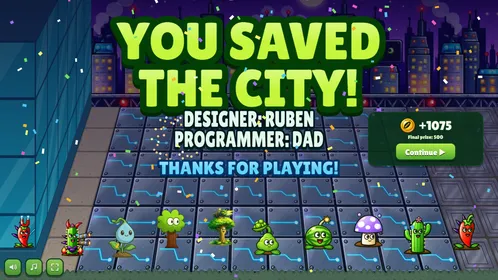
- The second part of Ruben's first game
- 9 plants · 39 fusions · 17 levels
- Shop, fusion dictionary and level editor
- The Magnet Flower was Claude's idea
- Game languageEnglish and Spanish
- Play onComputer, tablet or phone (sideways)
- SavesYour progress, coins, plants, fusions and the levels you make, on this device.
- Size3.4 MB
How Ruben made it
 Seeds vs Robots 2Watch on YouTube · Video in Spanish
Ruben made Seeds vs Robots 2 with Claude Code and ChatGPT (for the images). In this video he shows how he did it.
Go to the channelScreenshots